Perplexity’s CometJacking Vulnerability: Security Concerns in AI Browsing
Deep dive into Perplexity’s CometJacking vulnerability: how it works, who’s at risk, real-world impact, and mitigations for AI-powered browsing.
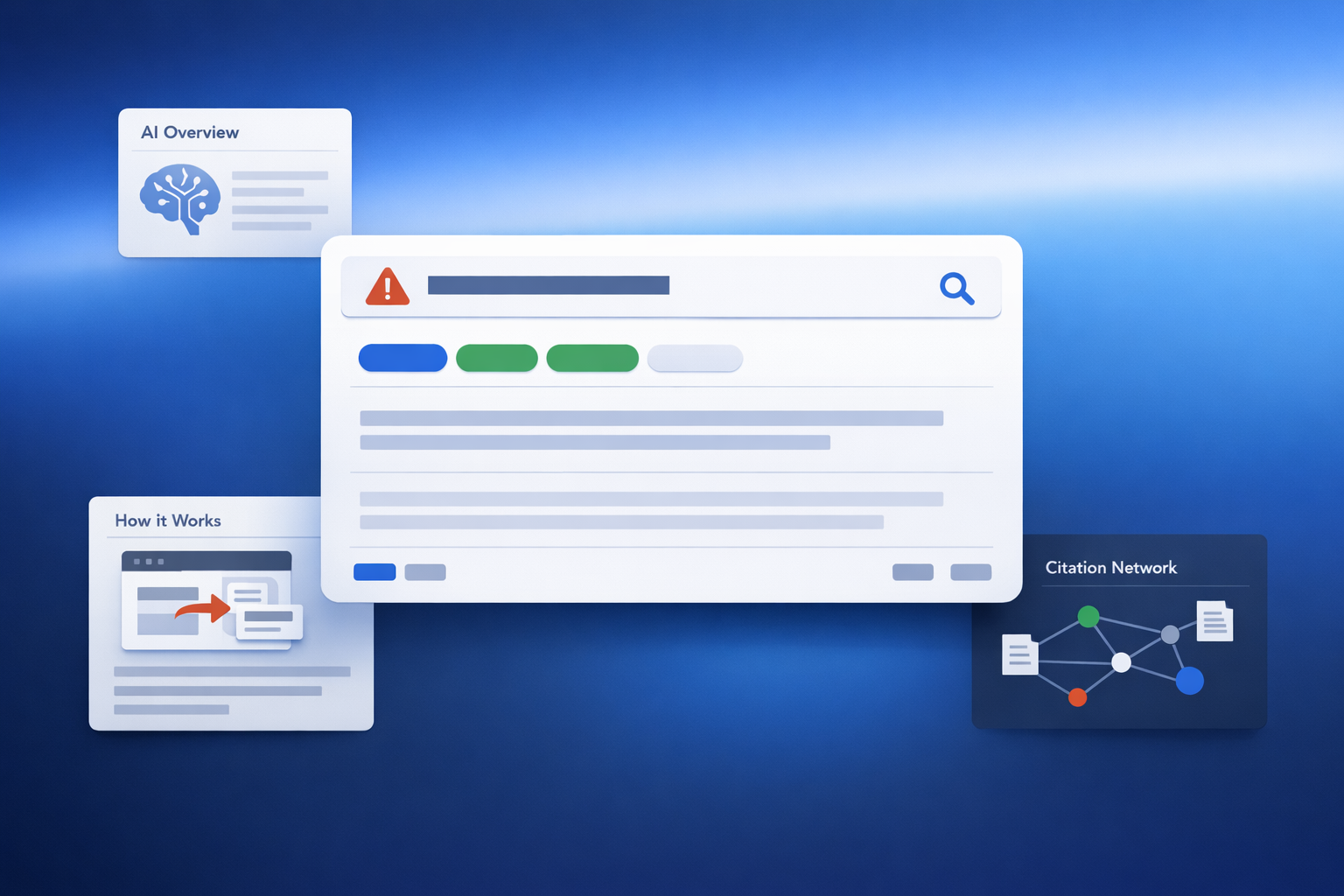
Executive Summary: What CometJacking Is and Why It Matters
One-sentence definition
CometJacking is an AI browser/session hijack pattern where a crafted interaction (often a link) coerces an AI-native browser assistant into using its session context, memory, or connected tools to exfiltrate data or execute actions the user didn’t intend.
Perplexity’s Comet is not “just another Chromium fork.” It is explicitly built around an integrated assistant that can do things—summarize content, send emails, and buy products—rather than merely recommend what you should do. That “agentic” capability is the strategic shift that makes CometJacking worth board-level attention.
LayerX’s October 4, 2025 disclosure is especially sobering because it frames the exploit as one weaponized URL—not necessarily a malicious page—being sufficient to trigger exfiltration of sensitive data previously exposed to the assistant (including through connectors like email and calendar). \ Remove this sentence unless you can cite a specific, accessible source (Wikipedia section/revision or a primary/credible secondary source) that explicitly documents the August 2025 disclosure attempt and Perplexity’s quoted response. which is as much a governance signal as it is a technical detail.
**Why CometJacking is a different class of browser risk**
- “One URL” delivery: LayerX frames the trigger as a crafted link—not necessarily a malicious page—making link-driven workflows the attack surface.
- Delegated execution: Comet’s assistant is designed to take actions (email, shopping) rather than only provide advice, which increases integrity risk alongside confidentiality risk. \
- Adoption pressure is real: Reported enterprise productivity gains (40–60 minutes/day average; 10+ hours/week for heavy users) help explain why “delegated browsing” is accelerating faster than governance.
Stat callout (exposure surface): OpenAI reports the average ChatGPT Enterprise user says AI saves 40–60 minutes per day, and heavy users report 10+ hours per week—a proxy indicator for how quickly “delegated browsing” and tool-driven workflows are becoming normal in knowledge work. \
Why this matters now: as models get better at long-horizon tool use, the security model must assume the assistant will successfully carry out complex instructions—whether they come from the user or an attacker. OpenAI’s GPT‑5.2 release explicitly positions the model series for “long-running agents” and improved tool calling. Capability is compounding faster than most orgs’ browser governance.
For broader hardening steps, learn more about [Complete Guide to AI Browser] Security in our full guide.
:::
Technical Deep Dive: How CometJacking Works in AI Browsing
Attack chain overview (step-by-step)
LayerX describes a kill chain that looks deceptively familiar (a link click) but behaves like a delegated-agent compromise:
LayerX’s key claim is not merely “prompt injection exists.” It’s that the URL itself becomes a prompt delivery mechanism and can prioritize memory/connected data over live browsing context, which changes how defenders should think about “safe pages.”
Root causes: session context, tool permissions, and prompt-to-action pathways
Our analysis found that CometJacking is best understood as a boundary failure across three planes:
- Session plane: the assistant operates “inside” an authenticated browsing reality (SSO cookies, active tabs, saved sessions).
- Authority plane: the assistant can be authorized to act (send emails, schedule meetings, shop). Wikipedia summarizes these capabilities as part of Comet’s core feature set.
- Instruction plane: prompts can be smuggled through non-obvious channels (like URL parameters), which is operationally closer to “control-plane injection” than classic phishing.
Where the boundary fails: token leakage, UI redress, cross-origin access
LayerX emphasizes that this is not limited to “malicious page text.” The exploit can be initiated via URL instructions and can target data previously exposed to the assistant (including content it helped create). \ That’s a subtle but important escalation: defenders who focus only on page sanitization or “don’t summarize untrusted pages” are solving yesterday’s problem.
Contrarian perspective: Many teams are over-rotating on model alignment (“will the assistant refuse?”) and under-investing in mechanical constraints (what the assistant can access, when, and how exfiltration is prevented). CometJacking illustrates that if the assistant is capable enough to be useful, it’s capable enough to be dangerous—unless the product’s permissioning and data egress controls are engineered like a security product, not a UX feature.
For a broader threat-model framework, see our comprehensive guide to Complete Guide to AI Browser Security
Risk Analysis: Who’s Most Exposed and What the Impact Looks Like
Threat model: consumer vs enterprise use cases
Comet launched on Windows/macOS on July 9, 2025 and Android on November 20, 2025, and it integrates Perplexity’s AI-assisted search with an assistant embedded in the browsing experience. \ That’s relevant because the risk isn’t theoretical—this is now a multi-platform surface.
- Consumers are exposed primarily through personal email, shopping, and saved sessions.
- Enterprises are exposed through SSO, SaaS admin panels, CRM/finance systems, and any workflow where “the browser is the workstation.”
High-risk workflows: email, calendars, docs, finance, admin consoles
LayerX’s examples focus on email content and meeting metadata (rewrite email, schedule appointment) being exfiltrated. That maps cleanly to enterprise blast radius:
- Confidentiality: silent scraping of drafts, invites, contact graphs, and internal meeting cadence.
- Integrity: sending emails “as you,” creating calendar events, altering docs, or initiating purchases if the agent has that reach. LayerX explicitly notes the “untapped potential” beyond data theft: a compromised agent could send emails or search connected drives.
- Availability: secondary impact via account lockouts, fraud controls, or incident response containment.
Mini risk matrix (qualitative)
- Severity: High (because delegated authority collapses multiple controls into one assistant).
- Likelihood: Medium-to-High (because delivery is “just a link,” and browsing is inherently link-driven).
Context: Verizon’s 2025 DBIR notes credential abuse (22%) and vulnerability exploitation (20%) as leading initial attack vectors, and reports third-party involvement doubled to 30%—a reminder that attackers already prefer scalable, low-friction entry points. AI browsing adds a new one.
:::
Evidence & Signals: What Researchers Look For (and How to Validate Exposure)
Indicators of compromise (IoCs) for AI-assisted session hijacks
CometJacking-style events won’t always look like malware. They can look like “helpful automation.” Based on LayerX’s described mechanics, defenders should look for
- Unexpected outbound POSTs to unfamiliar domains following assistant interactions
- Automation-like bursts: rapid navigation or actions inconsistent with human pacing
- Assistant-driven access to memory/connected services triggered by link opens or redirects
- Encoded payload patterns (e.g., base64-like strings) leaving the browser context
Reproduction/validation checklist (safe, non-exploitative)
You can validate exposure without reproducing the exploit payload:
- Inventory whether the AI browser supports prompt-in-URL or “view URL initiates conversation” patterns (LayerX says this exists in Perplexity). \
- Review what the assistant can access: memory, connectors, and any “send/buy/schedule” tool paths. \
- Confirm whether your environment can attribute actions to user vs assistant (auditability is the control, not just prevention).
Logging and telemetry gaps unique to AI browsing
Traditional browser telemetry often captures URLs and extensions, not “agent intent.” CometJacking’s defining risk is delegated execution where the assistant becomes an actor. That means the minimum viable audit trail must include:
- What instruction channel initiated the action (URL, UI prompt, voice)
- What data sources were accessed (page vs memory vs connector)
- What egress occurred (destination, method, volume)
Actionable recommendation (SOC): Add a dedicated detection playbook for “agentic browsing anomalies,” and require vendors to provide assistant action logs as a condition of enterprise adoption. If your vendor can’t separate “user did” from “assistant did,” you can’t investigate.
Mitigations: Practical Controls for Users, Builders, and Security Teams
User-level hardening (fast wins)
- Use separate browser profiles (or separate browsers) for sensitive SSO/admin work vs general AI browsing.
- Reduce persistent sessions for email/calendar and high-value SaaS.
- Enforce MFA everywhere; it won’t stop in-session abuse, but it reduces follow-on takeover.
Comet’s assistant can perform actions like sending emails or buying products—so “casual browsing” and “transactional browsing” should not share the same session container.
Product-level safeguards (what AI browsers should implement)
LayerX’s write-up implies several product gaps that builders should treat as non-negotiable: \
- Least-privilege tool design: default deny for connectors; granular scopes (read vs write).
- Explicit per-action consent: not “assistant is enabled,” but “this specific email/calendar/doc action.”
- Hard egress controls: detect/limit sensitive data leaving the assistant context, including trivial encodings (base64).
- Instruction-channel isolation: URL parameters should never be treated as privileged prompts without strong user confirmation.
Enterprise controls: policies, DLP, and zero trust alignment
Verizon’s DBIR highlights the rise in third-party involvement and vulnerability exploitation—enterprises should assume AI browsers will be targeted quickly once adoption rises.
Practical enterprise controls:
- Conditional access + device posture checks for AI browser use
- Session timeouts for critical SaaS
- DLP/CASB policies tuned for browser-based exfiltration patterns
- Mandatory audit logging for assistant actions (and retention aligned to IR needs)
:::comparison
:::
✓ Do's
- Require separate profiles/sessions for crown-jewel apps (email, calendar, finance, admin consoles) before enabling AI-native browsing broadly.
- Demand assistant action attribution (user vs assistant) and retain logs long enough to support incident response.
- Threat-model non-page instruction channels (URLs, redirects, extension messages) as first-class injection paths.
✕ Don'ts
- Don’t rely on “only visit trusted sites” as a control when the URL itself can be the instruction channel.
- Don’t treat connector access as a convenience toggle; avoid broad, persistent scopes that turn memory/email/calendar into an exfiltration source.
- Don’t roll out AI browsers without a named Security + IT + Risk owner; governance ambiguity is part of the failure mode. :::
Actionable recommendation (CISO/IT): Don’t start with “allow/ban.” Start with segmentation: approve AI browsing only for low-risk apps first, then expand based on measured telemetry and vendor logging maturity. For a full control map, check out the Complete Guide to AI Browser Security in our full guide.
Expert Perspectives & What This Means for AI Browser Security Going Forward
LayerX frames CometJacking as a “fundamental shift in the browser attack surface,” arguing attackers can skip credential phishing and instead hijack the agent that is already logged in. We agree—with one nuance: the biggest risk is not that AI browsers are “insecure,” but that they collapse multiple layers of human friction (reading, judging, clicking, re-checking) into a single execution path.
This is also why capability releases matter. OpenAI’s GPT‑5.2 announcement positions the series for “long-running agents” and improved tool calling, and reports measurable productivity gains among enterprise users. \ The market is rewarding delegation. Attackers will reward themselves by exploiting it.
What CometJacking teaches about agentic UX and consent
- Consent must be continuous and contextual, not a one-time toggle.
- Browsers need attribution: a durable record of what the assistant did and why.
- Security teams need a new policy object: the agent (its scopes, connectors, and allowed destinations).
Responsible rollout checklist (what we would do Monday morning)
- Define “no-agent zones” (finance, admin consoles) and enforce via policy.
- Require vendor commitments on disclosure handling (LayerX’s disclosure outcome is a warning sign).
- Run a tabletop exercise: “What if the assistant sends data out via encoded payload?”
Actionable recommendation (executive sponsor): Make “agent governance” a formal control domain (like endpoint or identity). AI browsing isn’t a feature; it’s a new class of privileged actor.
FAQs
What is CometJacking in Perplexity’s AI browsing context?
A LayerX-described attack vector where a crafted URL can be interpreted as assistant instructions, triggering access to memory/connected services and exfiltration of sensitive data.
How does CometJacking differ from traditional session hijacking or clickjacking?
Traditional attacks typically steal credentials/tokens or trick clicks; CometJacking targets the assistant’s delegated authority and its access to memory/connectors, potentially without credential theft.
Who is most at risk from AI browser session or agent hijacking attacks?
Anyone using AI browsing for authenticated workflows—especially email/calendar-heavy roles and teams with access to sensitive SaaS. LayerX specifically highlights email and calendar data exposure.
How can I tell if an AI browser or assistant performed actions without my intent?
Look for anomalous outbound requests, unexpected assistant-driven access to connected services, and actions occurring after link opens/redirects rather than explicit user commands—then validate via assistant action logs (if available).
What are the most effective mitigations for CometJacking-style vulnerabilities?
Least-privilege connector scopes, per-action consent, strong egress controls that detect encoded exfiltration, and enterprise session governance (timeouts/conditional access) are the highest-leverage controls.
Learn More: Explore generative engine optimization and ai search optimization guide for more insights.
Key Takeaways
- CometJacking is “agent hijack,” not just prompt injection: the risk is delegated execution inside an authenticated session, triggered by a crafted interaction such as a URL.
- The URL can function as an instruction channel: defenders must threat-model URLs/redirects (not only page text) as potential control-plane inputs.
- Blast radius expands with connectors and memory: once email/calendar or other services are authorized, previously exposed data becomes a target for exfiltration.
- Auditability is a gating control: if you can’t distinguish “user did” vs “assistant did,” you can’t reliably detect or investigate agentic abuse.
- Segmentation beats blanket allow/ban: isolate crown-jewel apps with separate profiles and shorter sessions before permitting AI-native browsing in production.
- Governance signals matter: disclosure handling and vendor posture (as described in public summaries) should factor into rollout decisions, not just technical mitigations.

Founder of Geol.ai
Senior builder at the intersection of AI, search, and blockchain. I design and ship agentic systems that automate complex business workflows. On the search side, I’m at the forefront of GEO/AEO (AI SEO), where retrieval, structured data, and entity authority map directly to AI answers and revenue. I’ve authored a whitepaper on this space and road-test ideas currently in production. On the infrastructure side, I integrate LLM pipelines (RAG, vector search, tool calling), data connectors (CRM/ERP/Ads), and observability so teams can trust automation at scale. In crypto, I implement alternative payment rails (on-chain + off-ramp orchestration, stable-value flows, compliance gating) to reduce fees and settlement times versus traditional processors and legacy financial institutions. A true Bitcoin treasury advocate. 18+ years of web dev, SEO, and PPC give me the full stack—from growth strategy to code. I’m hands-on (Vibe coding on Replit/Codex/Cursor) and pragmatic: ship fast, measure impact, iterate. Focus areas: AI workflow automation • GEO/AEO strategy • AI content/retrieval architecture • Data pipelines • On-chain payments • Product-led growth for AI systems Let’s talk if you want: to automate a revenue workflow, make your site/brand “answer-ready” for AI, or stand up crypto payments without breaking compliance or UX.
Related Articles
The Complete Guide to AI Browser Security: Navigating Vulnerabilities and Risks
Learn AI browser security risks, real-world vulnerabilities, and step-by-step hardening: settings, extensions, policies, monitoring, and response.

Perplexity AI’s Comet Browser: Redefining Web Navigation with AI Integration (and What It Means for AI Retrieval & Content Discovery Security)
News analysis on Perplexity’s Comet browser and how AI Retrieval & Content Discovery changes browser security, privacy risk, and enterprise controls.