Perplexity's AI Patent Search Tool: How to Run Faster, More Defensible Prior Art Searches
Learn how to use Perplexity’s AI patent search to find prior art faster, validate novelty, and document sources with a repeatable, defensible workflow.
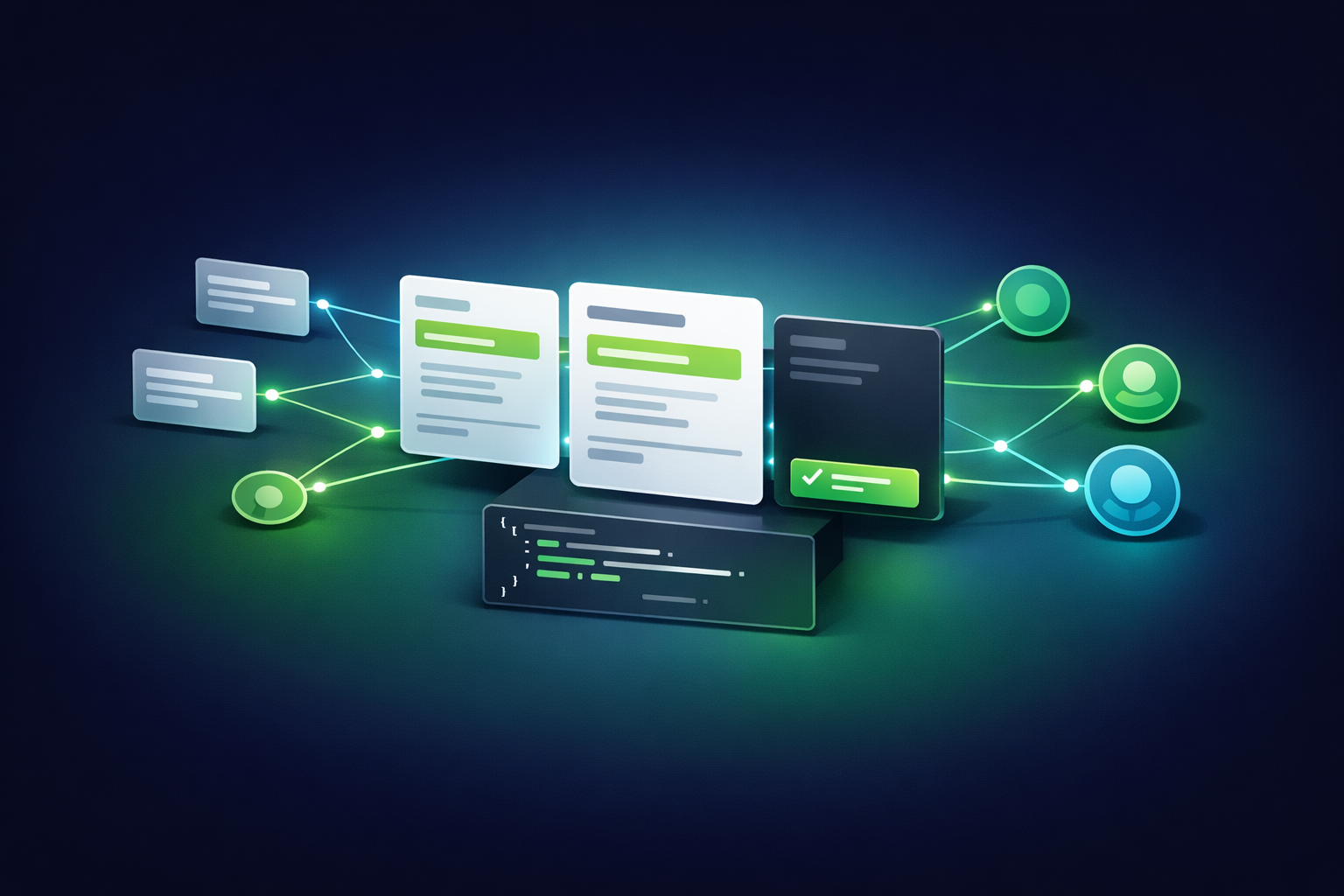
Perplexity's AI Patent Search Tool: How to Run Faster, More Defensible Prior Art Searches
Perplexity can speed up prior art discovery by turning natural-language prompts into citation-forward research trails—if you use it like a lead generator, not a final authority. The defensible approach is a repeatable workflow: prepare claim-like inputs, run high-recall searches with forced citations and constraints, verify every key passage in primary sources (patent PDFs, prosecution history, and non-patent literature), and capture an audit-ready search log that maps evidence back to claim elements.
AI-assisted search can be excellent for triage and recall expansion, but it does not replace primary-source review or legal judgment. Treat Perplexity outputs as candidates, then confirm support by opening the underlying publication and quoting the exact passages (with figure/paragraph identifiers) that match each claim element.
Prerequisites: What to Prepare Before You Search (So Results Are Actionable)
Most “AI missed obvious prior art” problems are input problems. If you invest 15–30 minutes up front to define the invention and scope, you’ll get cleaner recall, fewer false positives, and a search record you can defend internally.
Define the invention in claim-like language (problem, solution, constraints)
Draft a 3–5 sentence invention summary that reads like an independent claim in plain English: what problem exists, what system/method solves it, and which constraints make it novel (latency limits, privacy constraints, model architecture, sensor types, network topology, etc.). Then list essential elements versus optional elements.
- Must-have elements: the minimum set that must be present to practice the invention.
- Nice-to-have elements: implementation details that may appear in dependent claims.
List synonyms, acronyms, and competitor terminology
Patent language is adversarial to naive keyword search: the same concept may be described with different terms across assignees and jurisdictions. Build a synonym map for each key element (including abbreviations, legacy terms, and industry jargon). This is the single most reliable way to reduce missed art.
| Element | Synonyms / alternate terms | Competitor / product language |
|---|---|---|
| Edge device | Gateway; endpoint; embedded node; IoT node; on-device | “Edge AI”; “on-device inference”; “local processing” |
Set your search scope: jurisdictions, date ranges, CPC/IPC classes
Decide upfront whether you’re doing novelty screening, freedom-to-operate (FTO) scouting, or deep invalidity. Your scope determines how broad you go (jurisdictions), how far back you search (date ranges), and whether classification-based searching (CPC/IPC) is mandatory. Perplexity has introduced date range filtering, which can help constrain results to timeframes aligned with priority dates.
Reference: Perplexity changelog (date range filtering).
Pick one past invention where you already know 5–10 strong references. Run Perplexity twice: (A) with your synonym map and (B) without it. Track recall as “known references surfaced in top 30 results.” This gives you a defensible internal metric for whether your prep work is improving coverage.
Step-by-Step: Run a High-Recall Patent Search in Perplexity (Repeatable Workflow)
A practical Perplexity workflow uses two passes: first to discover the vocabulary and key players, then to force evidence and reduce ambiguity. The goal is not “best summary,” but “best trail”: publication numbers, links, and quoted support you can verify.
Start broad with natural language—and force citations
Begin with your 3–5 sentence invention summary and ask for patents and publications only. Require publication numbers and links. Example prompt pattern:
“Find prior art (patents/published applications) for: [invention summary]. Return only results that include (1) publication number, (2) link to the source, and (3) a quoted passage that supports the core idea. If you can’t quote it, omit it.”
Expand with structured prompts (features, synonyms, CPC/IPC, date ranges)
Now run feature-by-feature queries using your must-have elements and synonym map. Add constraints (date range, jurisdiction, and classification terms) where appropriate. Ask Perplexity to organize results by element coverage, not by narrative similarity.
Prompt pattern:
“For each claim element below, find 3–5 patent publications that explicitly disclose it. Use these synonyms: [synonym map]. Apply: [date window], [jurisdictions], and include CPC/IPC classes if mentioned in the publication. Output a table: element → publication number → link → quoted passage → notes.”
Pivot to assignees, inventors, and patent families
Once you have a few strong “seed” references, pivot deliberately:
• Assignees: search the top 3–5 organizations that appear repeatedly. • Inventors: search the top inventor names tied to the most relevant seeds. • Families: search for related family members, continuations, divisionals, and jurisdictional equivalents to catch variations in claim scope.
Capture and export your evidence trail
Defensibility comes from traceability. For each query, capture: the exact prompt, filters used (including date ranges), timestamp, top results, URLs, and the quoted excerpts you plan to rely on—mapped to elements. If you collaborate with counsel or a search professional, this log prevents duplicated effort and makes review faster.
Two-pass search approach (why it’s faster and more defensible)
| Pass | Goal | What you ask Perplexity for | What you save |
|---|---|---|---|
| Pass 1: Discovery | Build vocabulary + seed references | Broad query, patents only, mandatory citations | Top seeds, key terms, recurring assignees/inventors |
| Pass 2: Evidence | Element coverage + audit trail | Feature-by-feature queries, synonym expansion, constraints, quoted support | Quoted passages + links mapped to elements (mini claim chart) |
If you want to quantify time savings, measure “minutes to first 10 relevant documents” for Perplexity vs. manual keyword searching, then report median and interquartile range across 5–10 searches. This creates a credible internal benchmark without overstating generalizable results.
How to Validate Results and Reduce False Positives (Novelty vs. Similarity)
AI tools are good at semantic similarity; prior art analysis depends on element-level disclosure. Your validation workflow should separate “sounds similar” from “discloses the element with support.”
Create an element-by-element mapping table (mini claim chart)
Build a simple matrix: rows are claim elements (or invention essentials), columns are candidate references. Fill each cell with direct quotes and identifiers (paragraph numbers, claim numbers, or figure references). This makes it obvious which references are “close” versus which actually anticipate key elements.
Verify with primary sources (patent PDFs, prosecution history, NPL)
Always open the underlying publication and confirm the cited passage supports the specific element. Where possible, cross-check with official repositories and full-text sources (e.g., USPTO, EPO Espacenet, WIPO PATENTSCOPE, or Google Patents). If Perplexity cites secondary commentary, treat it as a lead, not evidence.
A strong prior art record is built on quotations and identifiers, not on paraphrases—especially when the question is novelty or invalidity.
Score relevance and confidence for each reference
Use a consistent rubric to rank what deserves deeper review. A simple method: score each element as 0 (not disclosed), 1 (partially/ambiguous), or 2 (explicitly disclosed with a quote). Sum across elements to prioritize review and reduce “pet references” bias.
Track precision rate: the percentage of AI-suggested references that remain relevant after primary-source verification. Also track “elements covered per reference” (average and max). These two numbers help you tune prompts and synonym maps for your domain.
Custom Visualization: Build a “Defensible Search Log” Template You Can Reuse
A reusable search log turns an AI session into an auditable process. The goal is that a colleague (or counsel) can reproduce what you did, see why you trusted certain references, and extend the search without starting over.
Process diagram (text version)
Query (prompt + scope) → Results (publication numbers + links) → Verification (open primary source, confirm passage) → Element mapping (mini claim chart) → Ranking (scoring rubric) → Export (search log + evidence pack).
Template fields: query, filters, references, excerpts, element coverage
| Field | What to capture | Why it matters |
|---|---|---|
| Query text (verbatim) | Full prompt + any follow-ups | Reproducibility; shows what you asked the system to do |
| Scope + filters | Jurisdictions, date window, CPC/IPC if used | Explains why some art was included/excluded |
| Top references | Publication number + URL + family notes | Traceability; reduces rework across teams |
| Quoted support | Exact excerpt + paragraph/figure/claim identifier | Defensibility; minimizes paraphrase disputes |
| Element coverage + score | 0/1/2 per element; total score; confidence notes | Prioritization; consistent decision-making |
Common Mistakes + Troubleshooting (What to Do When Results Look Wrong)
Mistake: Overly broad prompts that return generic patents
Symptom: you get high-level “AI/ML system” patents with no element-level match. Fix: add 2–3 non-negotiable elements and require quoted support for each element. If a result can’t quote support, it doesn’t belong in your working set.
Mistake: Not constraining by date/classification/jurisdiction
Symptom: too many results or irrelevant jurisdictions. Fix: align the date window to the likely priority date and use classification terms (CPC/IPC) where you already know the technical neighborhood. Perplexity’s date range filtering can help narrow the timeframe when you’re validating novelty around a specific period.
Troubleshooting: When Perplexity misses obvious prior art
- Run synonym expansion again, but include older/legacy terms (what the industry called it 5–10 years ago).
- Search by competitor product names and marketing phrases, then translate those into technical terms for follow-up queries.
- Pivot to assignees/inventors from any partially relevant seed reference; networks often reveal the “right” vocabulary.
- Cross-check with at least one traditional patent database workflow for high-stakes decisions (e.g., classification browsing + keyword search + citation chasing).
When a search underperforms, label the cause in your log: (1) prompt too broad, (2) synonym gap, (3) classification mismatch, (4) scope mismatch (date/jurisdiction), or (5) verification failure (citation didn’t support the element). After ~20 searches, you’ll know which fixes produce the biggest gains.
Expert Quote Opportunities + Compliance Notes (Use Responsibly)
Quote prompts for patent attorneys and search professionals
- For patent counsel: “What makes a prior art search defensible for internal decision-making, and what documentation do you expect to see when AI tools are used?”
- For professional searchers: “How do you combine semantic discovery (AI) with classification-based searching (CPC/IPC) to improve recall without drowning in noise?”
Responsible-use checklist (confidentiality, legal reliance, documentation)
- Confidentiality: don’t paste sensitive invention details if your organization prohibits it; use abstraction or placeholders when needed.
- Legal reliance: use AI to accelerate discovery and organization, not to make final novelty/FTO conclusions without professional review.
- Documentation: preserve prompts, filters, timestamps, and primary-source quotes so the work can be audited and repeated.
Broader context: search engines are rapidly adding more generative and interactive research experiences, raising expectations for citation-ready outputs and verification workflows. For example, Google has described ongoing integration of advanced Gemini models into Search AI experiences.
Source: Google Search AI Mode update.
Additional background on generative AI features in search: TechTarget coverage.
Key Takeaways
Prepare claim-like inputs and a synonym map before searching; most missed prior art comes from vocabulary gaps.
Use a two-pass Perplexity workflow: discovery (seed references) → evidence (element-by-element queries with forced citations and quotes).
Validate every AI-suggested reference in primary sources and map quotes to elements using a mini claim chart.
Defensibility comes from your search log: prompts, scope, timestamps, URLs, and quoted support—organized for review and reuse.
FAQ

Founder of Geol.ai
Senior builder at the intersection of AI, search, and blockchain. I design and ship agentic systems that automate complex business workflows. On the search side, I’m at the forefront of GEO/AEO (AI SEO), where retrieval, structured data, and entity authority map directly to AI answers and revenue. I’ve authored a whitepaper on this space and road-test ideas currently in production. On the infrastructure side, I integrate LLM pipelines (RAG, vector search, tool calling), data connectors (CRM/ERP/Ads), and observability so teams can trust automation at scale. In crypto, I implement alternative payment rails (on-chain + off-ramp orchestration, stable-value flows, compliance gating) to reduce fees and settlement times versus traditional processors and legacy financial institutions. A true Bitcoin treasury advocate. 18+ years of web dev, SEO, and PPC give me the full stack—from growth strategy to code. I’m hands-on (Vibe coding on Replit/Codex/Cursor) and pragmatic: ship fast, measure impact, iterate. Focus areas: AI workflow automation • GEO/AEO strategy • AI content/retrieval architecture • Data pipelines • On-chain payments • Product-led growth for AI systems Let’s talk if you want: to automate a revenue workflow, make your site/brand “answer-ready” for AI, or stand up crypto payments without breaking compliance or UX.
Related Articles
The Complete Guide to Google AI Overviews: Mastering SGE and AI-Powered Search Features
Learn how Google AI Overviews (SGE) work, how to optimize for AI-powered search, track impact, avoid pitfalls, and build a winning SEO strategy.
Google's Gemini 3: Transforming Search into a 'Thought Partner'—What It Means for Generative Engine Optimization
Gemini 3 pushes search toward a thought partner. Learn how AI Overviews reshape citations, trust, and content strategy for Generative Engine Optimization.