Perplexity's Comet Browser: Redefining the AI-Powered Web Experience
Explore Perplexity’s Comet browser and how AI-native browsing changes discovery, citations, and workflows—plus what it signals for Gemini 3’s search future.

Perplexity’s Comet matters less as “yet another browser” and more as a strategic UI land-grab: whoever owns the browsing surface can compress search, synthesis, and action into a single loop—and quietly rewrite how discovery, attribution, and conversion work. That’s the same macro-direction we unpack in [our comprehensive guide to Gemini 3’s thought-partner search], but Comet shows what happens when that intelligence moves from the SERP into the browser chrome.
**Why Comet is strategically different (in this article’s terms)**
- The “unit of work” shifts from query to session: Comet-style browsing optimizes for persistent context and session artifacts (sources, citations, drafts), not isolated searches.
- Citations become UI, not footnotes: Perplexity’s citation-forward approach turns attribution into a clickable navigation layer that can redirect traffic and value.
- Action moves closer to discovery: Reporting cited here describes Comet taking task-like actions (email/calendar/purchases), pushing browsers toward lightweight agentic workflows—with governance implications.
:::
What Is Perplexity’s Comet Browser (and why it matters now)
Perplexity’s Comet is an AI-native web browser that embeds a Perplexity assistant alongside everyday browsing, turning pages into promptable objects. Instead of switching between tabs, search, and note-taking tools, users can ask Comet to summarize, cite sources, compare options, and execute tasks (e.g., email, calendar actions) directly within the browsing session. (windowscentral.com)
How Comet differs from an AI search engine vs a traditional browser
Comet’s key move is collapsing “search → click → read → synthesize → act” into one interface. An AI search engine can answer questions; a traditional browser can navigate pages. Comet tries to do both—and then go a step further into workflow execution (e.g., “send this summary to my team,” “create a calendar event,” “purchase”). TIME describes Comet as an AI browser that can access connected personal data (like email and calendars) and perform tasks such as scheduling and summarizing webpages; avoid the “surf the web on your behalf” quote unless you can quote it verbatim from TIME. (time.com)
It also signals a pricing/distribution experiment: at launch, Windows Central and CNBC reported Comet was gated behind Perplexity’s $200/month Max plan. (windowscentral.com) (Perplexity later removed the paywall, which matters for adoption curves—but the strategic intent was clear: monetize the interface, not just the model.)
:::
Table: Traditional browsing vs AI-native browsing (steps/time)
Below is a practical comparison for a common executive task: “Research a topic, capture sources, draft a brief.”
| Workflow | Traditional browser | AI-native browser (Comet-style) |
|---|---|---|
| Formulate query | 1 step | 1 step |
| Open + scan sources | 5–10 tabs | 2–4 sources surfaced with citations |
| Extract key points | manual copy/paste | “summarize + quote + cite” inline |
| Build outline/notes | separate doc | draft in-session from sources |
| Verify claims | manual back/forward | [source] trail anchored to citations |
| Typical failure mode | tab sprawl + missed context | over-trust in synthesis/citations |
What changes: the user’s unit of work becomes a session rather than a query—a critical precursor to Gemini 3-style “thought partner” behavior discussed in our comprehensive guide.
Actionable recommendation: Redesign internal research SOPs around session artifacts (saved source lists, citation packs, and decision logs), not “keywords” and “rankings.”
The core UX shift: from “search results” to “research sessions”
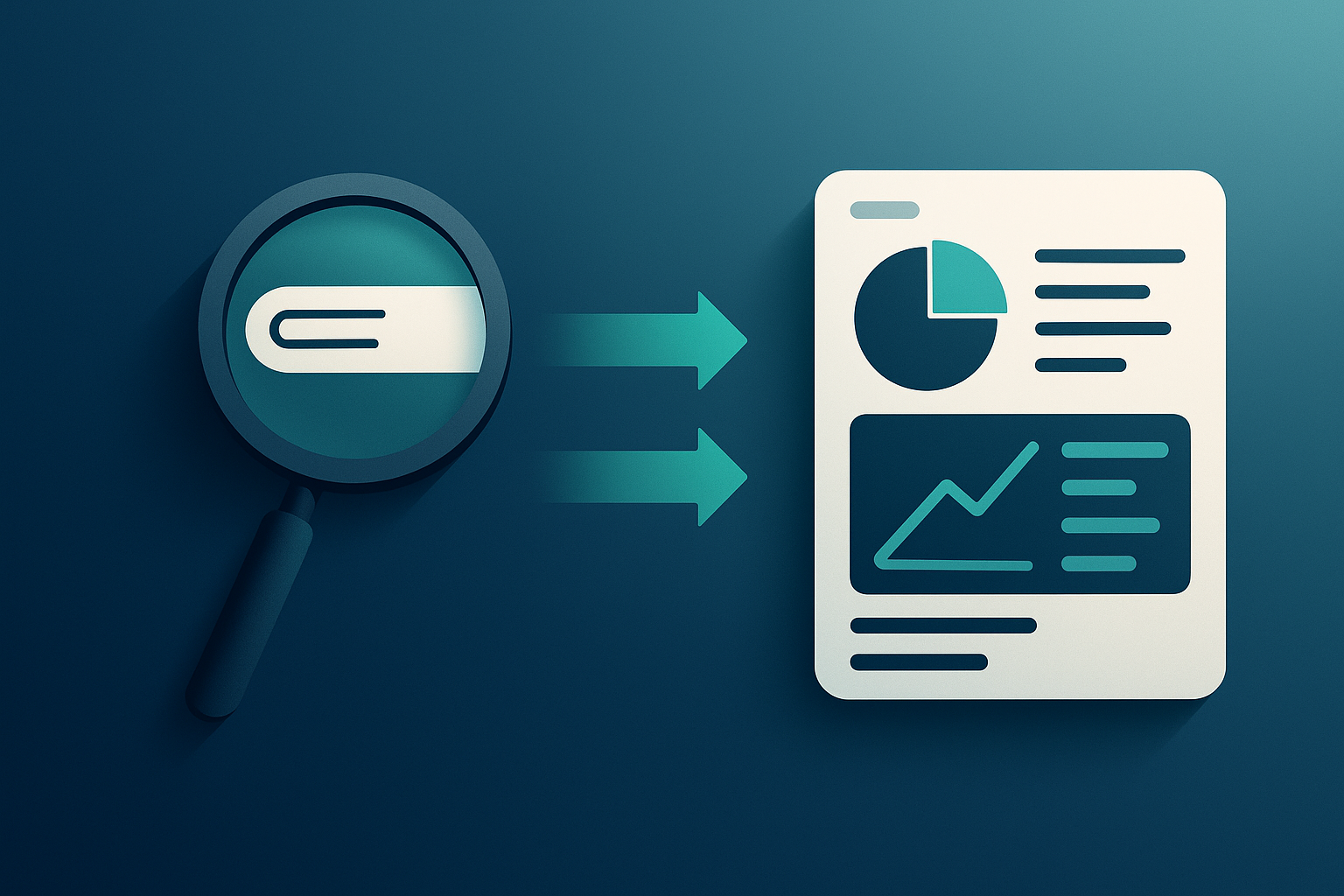
Session memory and context: why it changes browsing behavior
Comet’s bet is that persistent context beats repeated query reformulation. You don’t keep asking “best X 2025” in ten variants; you keep refining inside one thread with a shared memory of constraints, sources, and partial conclusions.
This is where AI browsers become operationally dangerous and valuable: context persistence improves speed, but it also increases the blast radius of a mistake (wrong assumption, wrong source, wrong instruction).
Actionable recommendation: For high-stakes teams (finance, legal, healthcare, security), mandate a “two-pass” workflow: (1) AI-assisted synthesis, (2) human verification against primary sources before decisions leave the room.
:::
Citations and source trails: trust mechanics in an AI browser
Comet inherits Perplexity’s citation-forward posture, turning citations into navigational primitives—not footnotes. That’s a subtle but massive shift for SEO and publishers: the citation is no longer just “proof,” it’s the clickable UI element that determines which sources get traffic.
But citation-first UX creates a new competitive dynamic: being “most cited” may matter more than being “highest ranked.” That’s a direct adjacency to the strategy implications in our comprehensive guide to Gemini 3’s thought-partner search—except now the contest happens inside the browser layer, not just Google’s interface.
Actionable recommendation: Build a “citation readiness” checklist for your content: clear definitions, labeled claims, primary-source links, and quotable sentences that survive extraction.
Inline actions: summarize, compare, extract, and draft without tab-hopping
Inline actions are where Comet stops being “search” and becomes lightweight agentic computing. TIME describes autonomous actions (purchases, emails, calendar events). (time.com) That’s the productivity promise—and the governance nightmare.
Actionable recommendation: If you pilot Comet internally, start with read-only workflows (summarize, compare, extract) and explicitly disable or forbid “act” permissions (email/calendar/checkout) until security review is complete.
:::
Comet vs Gemini 3’s direction: what Comet reveals about the next search interface

Thought clusters vs blue links: interface primitives that organize intent
Comet’s interface implies a future where the primary UI primitive isn’t “10 blue links,” it’s a structured reasoning workspace: question, constraints, claims, citations, next actions. This converges with the “thought cluster” direction explored in our comprehensive Gemini 3 guide—but Comet shows the container can be the browser itself.
Where browsers become the distribution layer for AI search
The contrarian point: search distribution is migrating from engines to browsers. If the assistant sits in the browser sidebar, it can intercept intent before a user ever “goes to Google.” CNBC notes Comet can connect to enterprise apps like Slack, pushing it further into daily workflows. (cnbc.com)
This is why competitive pressure is spiking across the AI stack. Windows Central reports Sam Altman said OpenAI has declared “code red” multiple times in 2025 and expects to do so “once, maybe twice a year,” underscoring how quickly interface shifts trigger strategic reallocations. (windowscentral.com)
Actionable recommendation: Stop modeling “search” as a single channel. Update your acquisition strategy to include AI browsers + AI assistants as first-class discovery layers with their own attribution mechanics.
Implications for publishers and SEO: citations, attribution, and click behavior
Comet-style UX will likely:
- Reduce clicks for simple informational queries (answer in sidebar).
- Increase clicks for deep research where users need primary sources.
- Concentrate value on a smaller set of “citation winners.”
That means classic SEO tactics (rank for keyword, win snippet) become insufficient alone. You need to win extractability and citation preference.
Actionable recommendation: Create “source pages” designed to be cited: stable URLs, explicit author/editor info, update timestamps, and direct links to evidence.
Where Comet wins (and where it breaks): practical evaluation for real workflows

Best-fit use cases: research, shopping comparisons, technical troubleshooting
Comet shines when the work product is a synthesized artifact (brief, comparison, shortlist) and where citations can be inspected.
Shopping is the clearest commercialization path. Gadgets360 reports Perplexity launched a personalized shopping experience with PayPal checkout integrated into the chat interface, and says recommendations are not sponsored; it also notes the tool “remembers user history” to tailor recommendations. (gadgets360.com) This is exactly the kind of workflow Comet can pull into the browser layer: discover → compare → buy, without leaving the session.
Actionable recommendation: For commerce teams, pilot Comet on high-consideration categories (electronics, insurance, travel) where comparison and explanation matter more than impulse clicks.
Failure modes: hallucinations, stale sources, paywalled content, and bias
The biggest operational risk is not “hallucinations” in the abstract—it’s misplaced confidence with plausible citations. A citation can be relevant but not supportive; a summary can be directionally correct but materially wrong.
Security risk is even more acute in an AI browser because the assistant can be tricked into acting. TIME reports LayerX research describing a vulnerability (“CometJacking”) where malicious links could hijack Comet’s internal AI to siphon personal info from connected services like Gmail and send it to attackers. (time.com)
LayerX separately claimed Comet (and another AI browser) were up to 85% more vulnerable to phishing and web attacks than Chrome/Edge/Dia, attributing this to missing safe browsing protections and weaker identification of malicious sites. (layerxsecurity.com)
Actionable recommendation: If you allow Comet, enforce “least privilege”: no connected accounts by default, no saved payment methods, and strict separation between personal and corporate profiles.
:::
Privacy and governance: browsing data, prompts, and enterprise controls
An AI browser can see what normal browsers see—and then some: prompts, summaries, and potentially connected service data. That makes governance a board-level issue, not an IT preference.
Actionable recommendation: Require vendors to answer three questions in writing:
- 2What data is stored locally vs in the cloud?
- 4What data is used for training (and is opt-out possible)?
- 6What admin controls exist for connectors (email/calendar/Slack) and logging?
Scoring rubric (practical)
Use a weighted scorecard before rollout:
- Accuracy & verification (35%): summary matches sources; citations support claims
- Citation quality (20%): primary sources, stable links, minimal misattribution
- Security posture (25%): phishing protections, prompt-injection mitigations, update cadence (layerxsecurity.com)
- Privacy controls (10%): connector permissions, data retention
- Latency & UX (10%): time-to-answer, friction reduction
Actionable recommendation: Run a 10-task benchmark (per team) and require ≥80/100 before expanding beyond a pilot.
What to watch next: signals that Comet-style browsing is becoming mainstream

Product signals: agentic actions, integrations, and multimodal browsing
Watch for:
- “Background” or persistent assistants that run across tabs and tasks (Comet is already moving in this direction per broader reporting). (techcrunch.com)
- Deeper integrations (email/calendar/Slack) expanding the action surface. (cnbc.com)
- Stronger defenses against indirect prompt injection and phishing. (time.com)
Actionable recommendation: Treat new “agentic” features as security events—update threat models and run red-team tests before enabling.
Market signals: adoption, partnerships, and default placement
Mainstreaming happens when AI browsing becomes default:
- OEM bundling
- enterprise pilots
- distribution partnerships
- default search settings inside the browser
The competitive heat is already visible: Altman’s repeated “code red” posture shows incumbents view interface shifts as existential, not incremental. (windowscentral.com)
Actionable recommendation: Track “default placement” deals the same way you track app store featuring—distribution will matter as much as model quality.
Action steps for teams: prepare content for citation-first discovery
If Comet-style browsing grows, your content must be extractable, attributable, and verifiable:
- Write for quotability: short, specific claims with immediate evidence links.
- Add “source scaffolding”: clear headings, definitions, and summary blocks.
- Strengthen authority signals: named authors, editorial policy, update dates.
- Instrument AI referrals: separate analytics channel for AI browsers/assistants.
- Build a citation dashboard: share of voice in AI citations, branded query lift, assisted conversions.
This aligns with the future-proofing strategies in [our comprehensive guide to Gemini 3’s thought-partner search]—but the key here is execution: your best “SEO” may become your best-cited paragraph.
Actionable recommendation: Assign one owner (SEO lead or content ops) to deliver a monthly “AI citation performance” report, starting next month—before traffic shifts force reactive changes.
:::comparison
:::
✓ Do's
- Start with read-only pilots (summarize/compare/extract) before enabling email, calendar, or checkout actions.
- Build citation-ready pages (clear definitions, labeled claims, stable URLs, primary-source links) to compete in citation-first UX.
- Enforce least privilege (no connected accounts or saved payment methods by default; separate corporate/personal profiles).
- Require a two-pass workflow for high-stakes decisions: AI synthesis first, then human verification against primary sources.
- Instrument AI browser/assistant referrals now to establish a baseline before volumes grow.
✕ Don'ts
- Don’t treat Comet as “just another browser” and wait for traffic shifts before updating attribution and monitoring.
- Don’t assume a citation automatically supports the claim being summarized; relevance is not validation.
- Don’t enable connectors (Gmail/Slack/calendar) or purchasing flows without a security review and clear policy.
- Don’t let session memory substitute for documentation—capture session artifacts (sources, citation packs, decision logs).
- Don’t roll out broadly without a task-based benchmark and a minimum score threshold (e.g., ≥80/100 in the rubric provided). :::
Key Takeaways
- Comet is a UI land-grab, not a feature browser: Owning the browsing surface lets Perplexity compress discovery → synthesis → action into one loop.
- AI-native browsing shifts work from “queries” to “sessions”: Teams should redesign SOPs around session artifacts (sources, citations, drafts, decision logs).
- Citations become the click-driving interface: “Most cited” can matter more than “highest ranked,” changing publisher and SEO priorities toward extractability.
- Inline actions raise governance stakes: Autonomous or semi-autonomous actions (email/calendar/purchases) turn UX upgrades into operational risk.
- Security concerns are not theoretical: The article cites reporting on “CometJacking” and LayerX’s claim of materially higher phishing/web-attack exposure versus major browsers.
- Distribution is migrating toward the browser layer: Sidebar assistants and app integrations can intercept intent before a user ever reaches a traditional search engine.
- Preparation is measurable: Use the weighted rubric and a 10-task benchmark per team; require a pass threshold before expanding beyond pilots.
FAQ
What is Perplexity’s Comet browser?
An AI-powered browser from Perplexity that integrates an assistant into the browsing experience, enabling summaries, citations, and task-like actions during web sessions. (windowscentral.com)
How is an AI browser different from an AI search engine?
An AI search engine answers queries; an AI browser embeds that capability into navigation and can maintain session context and (in some cases) take actions across sites and connected services. (time.com)
Does Perplexity Comet provide citations and sources you can verify?
Comet is positioned around Perplexity-style cited answers, making sources part of the workflow rather than an afterthought. Verification still requires human review. (cnbc.com)
Will AI browsers reduce website traffic and SEO value?
They can reduce clicks for simple queries while increasing the value of being cited and earning deeper, higher-intent visits—shifting optimization from “rank” to “citation preference.” (For broader strategic implications, see our comprehensive guide.)
Is using an AI browser safe for privacy and sensitive data?
AI browsers expand the attack surface. TIME reported LayerX research on “CometJacking,” where malicious links could hijack Comet’s AI to exfiltrate data from connected services. LayerX also claimed Comet was up to 85% more vulnerable to phishing/web attacks than major browsers in its testing. (time.com)

Founder of Geol.ai
Senior builder at the intersection of AI, search, and blockchain. I design and ship agentic systems that automate complex business workflows. On the search side, I’m at the forefront of GEO/AEO (AI SEO), where retrieval, structured data, and entity authority map directly to AI answers and revenue. I’ve authored a whitepaper on this space and road-test ideas currently in production. On the infrastructure side, I integrate LLM pipelines (RAG, vector search, tool calling), data connectors (CRM/ERP/Ads), and observability so teams can trust automation at scale. In crypto, I implement alternative payment rails (on-chain + off-ramp orchestration, stable-value flows, compliance gating) to reduce fees and settlement times versus traditional processors and legacy financial institutions. A true Bitcoin treasury advocate. 18+ years of web dev, SEO, and PPC give me the full stack—from growth strategy to code. I’m hands-on (Vibe coding on Replit/Codex/Cursor) and pragmatic: ship fast, measure impact, iterate. Focus areas: AI workflow automation • GEO/AEO strategy • AI content/retrieval architecture • Data pipelines • On-chain payments • Product-led growth for AI systems Let’s talk if you want: to automate a revenue workflow, make your site/brand “answer-ready” for AI, or stand up crypto payments without breaking compliance or UX.
Related Articles

The Ranking Blind Spot: Vulnerabilities in LLM-Based Text Ranking
How LLM-based text rankers can be manipulated by prompt injection and adversarial passages—plus mitigations for Gemini 3-era search ranking.

Generative Engine Optimization (GEO)
Learn about Supporting article for Google's Gemini 3: Transforming Search into a 'Tho cluster in this comprehensive guide.